

In today’s fast-moving digital world, design is no longer limited to professionals with years of experience. With the rise of AI-powered platforms, even beginners can create stunning visuals effortlessly. One such powerful tool that is transforming the design landscape is Kittl AI. This blog will guide you step by step on how to use Kittl AI tools effectively and simplify your designing journey.
1: Understanding Kittl AI and Its Importance
Kittl AI is a modern design platform that uses artificial intelligence to help users create professional-quality graphics without advanced design skills. Whether you want to design logos, social media posts, posters, or branding materials, Kittl makes the process fast and simple.
Why Kittl AI is Important:
- Reduces the need for complex software like Photoshop
- Saves time with ready-made templates
- Provides AI-powered suggestions
- Ideal for beginners and professionals alike
With the increasing demand for digital content, tools like Kittl AI help bridge the gap between creativity and technical skills.
2: Getting Started with Kittl AI
To begin your journey with Kittl AI, you first need to create an account on their platform.
Steps to Start:
- Visit the official Kittl website
- Sign up using email or Google account
- Choose a plan (free or premium)
- Access the dashboard
Once you log in, you’ll see a clean and user-friendly interface that makes navigation easy.
3: Exploring the Dashboard
The dashboard is where all the magic happens. Kittl provides a well-organized workspace with various tools and features.
Key Sections:
- Templates Library
- Text Tools
- Elements & Icons
- AI Design Assistant
- Export Options
Spend some time exploring these features to understand how everything works together.
4: Choosing the Right Template
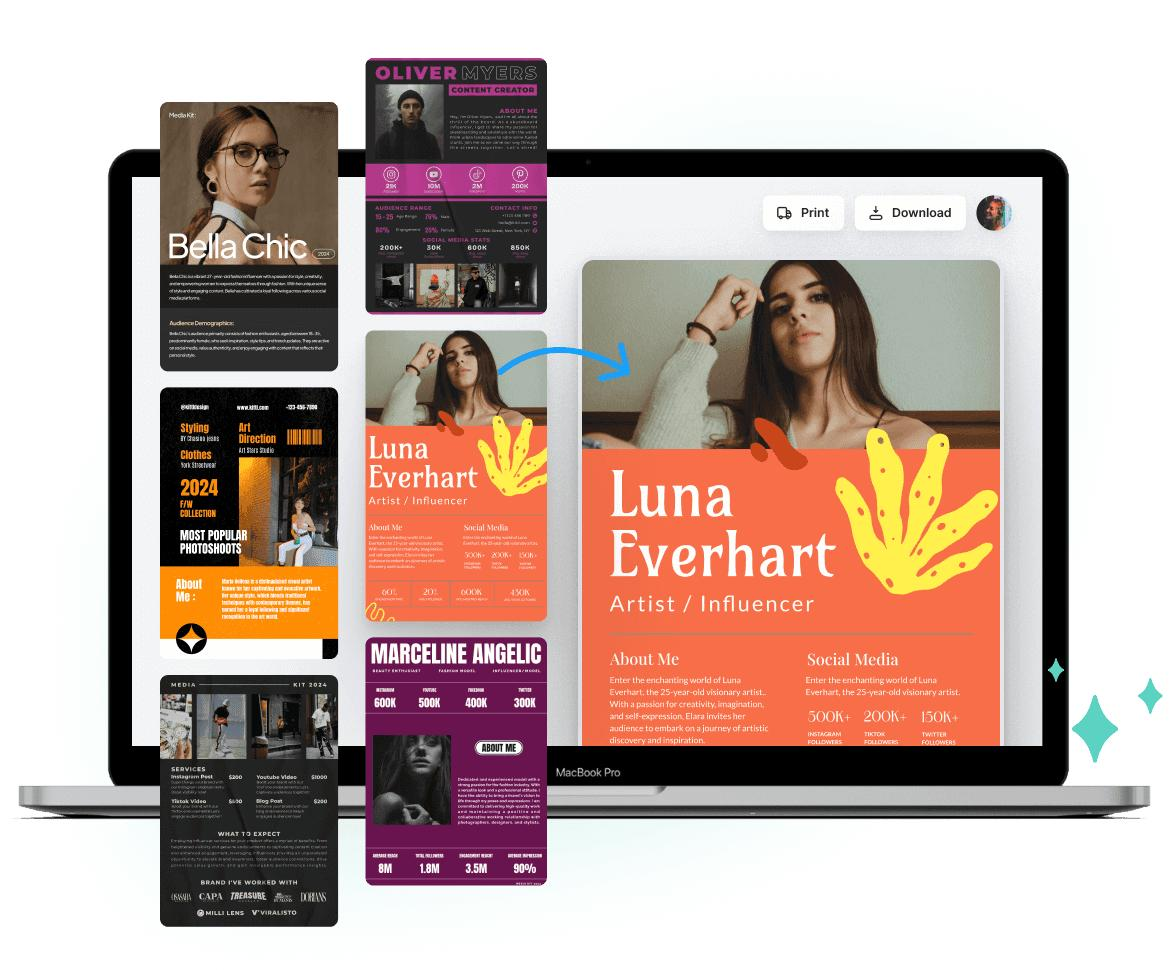
Templates are one of the biggest advantages of Kittl AI. Instead of starting from scratch, you can pick a template and customize it.
How to Choose:
- Select your design type (logo, poster, social media post)
- Browse categories
- Pick a template that fits your idea
Templates are professionally designed, which ensures your final output looks polished.
5: Using AI Text Tools
Kittl AI offers advanced text editing features powered by AI.
Features Include:
- Stylish fonts
- Text effects (shadow, curve, outline)
- Auto alignment
- AI font pairing suggestions
You can simply type your text and let AI enhance it automatically.
6: Adding Graphics and Elements
A design is incomplete without visuals. Kittl provides a wide range of elements such as icons, illustrations, and shapes.
How to Use:
- Drag and drop elements into your design
- Resize and adjust colors
- Layer elements for depth
These features help you create visually appealing designs effortlessly.
7: Leveraging AI Design Assistance
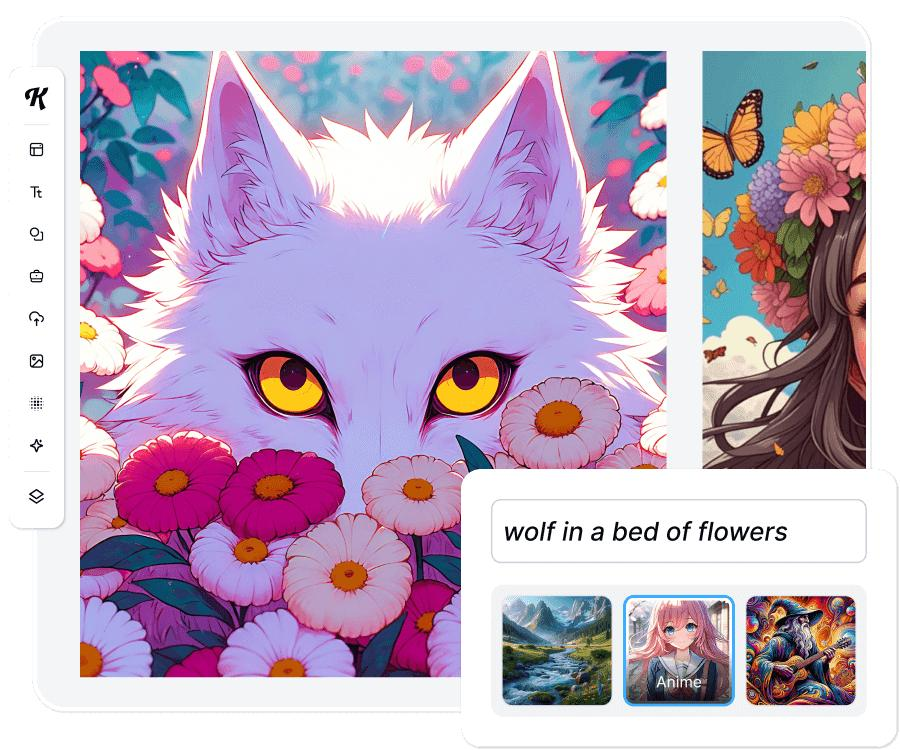
One of the most powerful features of Kittl AI is its AI assistant.
What It Can Do:
- Suggest layouts
- Recommend color palettes
- Improve design balance
- Generate creative ideas
This feature is especially helpful for beginners who may not have design knowledge.
8: Customizing Your Design
Customization is where you bring your creativity to life.
Tips for Better Customization:
- Stick to a consistent color scheme
- Use readable fonts
- Maintain proper spacing
- Avoid clutter
Kittl makes customization easy with its intuitive controls.
9: Working with Layers
Layers help you organize your design elements.
Benefits of Layers:
- Easy editing
- Better control
- Improved design structure
You can lock, hide, or rearrange layers as needed.
10: Saving and Exporting Your Design
Once your design is ready, you can export it in various formats.
Export Options:
- PNG
- JPG
- SVG
Choose the format based on your requirement, such as social media or printing.
11: Using Kittl for Branding
Kittl AI is not just for simple designs; it can also help in branding.
Branding Uses:
- Logo creation
- Business cards
- Social media kits
- Marketing materials
Consistent branding helps build a strong identity.
12: Tips to Improve Your Design Skills
Even with AI tools, improving your design sense is important.
Practical Tips:
- Study design trends
- Practice regularly
- Analyze professional designs
- Keep experimenting
Kittl acts as a support tool, but your creativity plays a key role.
13: Advantages of Kittl AI Tools
Here are some major benefits:
- Beginner-friendly interface
- Time-saving templates
- AI-powered features
- Affordable pricing
- No advanced skills required
These advantages make Kittl a popular choice among creators.
14: Limitations to Consider
While Kittl is powerful, it has some limitations:
- Limited advanced editing compared to Photoshop
- Some features require premium subscription
- Internet connection required
Understanding these helps you use the tool more effectively.
15: Comparing Kittl with Other Tools
Kittl stands out due to its simplicity and AI integration.
Comparison Highlights:
- Easier than traditional software
- Faster design process
- Better for beginners
However, professionals may still use advanced tools for complex projects.
16: Real-Life Use Cases
Kittl AI can be used in various real-life scenarios:
- Social media content creation
- YouTube thumbnails
- Freelance design projects
- Small business branding
Its versatility makes it suitable for different users.
17: Future of AI in Designing
AI is shaping the future of design. Tools like Kittl are just the beginning.
Future Trends:
- Fully automated design generation
- Personalized design suggestions
- Faster workflows
This means designing will become even more accessible.
18: Common Mistakes to Avoid
Avoid these mistakes while using Kittl:
- Overloading designs with elements
- Using too many fonts
- Ignoring alignment
- Poor color combinations
Keeping designs simple often gives better results.
19: Best Practices for Professional Designs
To create professional-looking designs:
- Follow design principles (contrast, balance, hierarchy)
- Use high-quality elements
- Maintain consistency
- Focus on readability
These practices help you stand out.
20: Why Beginners Should Choose Kittl
Kittl is perfect for beginners because:
- No prior experience needed
- Easy learning curve
- Ready-to-use templates
- AI assistance
It removes the fear of designing.
21: Monetizing Your Designs
You can earn money using Kittl AI.
Ways to Earn:
- Freelancing
- Selling templates
- Social media services
- Print-on-demand products
With creativity, Kittl can become a source of income.
22: Security and Cloud Storage
Kittl stores your designs securely in the cloud.
Benefits:
- Access designs anytime
- No data loss
- Easy sharing
This makes it convenient for users.
23: Continuous Learning and Updates
Kittl regularly updates its features.
Stay Updated By:
- Following official announcements
- Watching tutorials
- Practicing new tools
Continuous learning helps you stay ahead.
Conclusion
Smart designing is no longer complicated, thanks to AI-powered tools like Kittl AI. Whether you are a beginner or a professional, Kittl simplifies the design process with its intuitive interface and powerful features. By following the step-by-step guide above, you can easily create stunning designs without any prior experience.
Frequently Asked Questions (FAQ) – Smart Designing with Kittl AI
1. What is Kittl AI and how does it work?
Kittl AI is an online design platform that uses artificial intelligence to help users create professional graphics easily. It provides templates, smart text tools, and AI suggestions to simplify the entire design process.
2. Is Kittl AI free to use?
Yes, Kittl AI offers a free plan with basic features. However, for advanced tools, premium templates, and high-quality exports, users may need to upgrade to a paid plan.
3. Can beginners use Kittl AI easily?
Absolutely! Kittl AI is designed for beginners. Its drag-and-drop interface, ready-made templates, and AI assistance make it easy for anyone to start designing without prior experience.
4. What types of designs can I create with Kittl AI?
You can create logos, social media posts, posters, business cards, thumbnails, and branding materials. It is suitable for both personal and professional design needs.
5. Does Kittl AI require installation?
No, Kittl AI is a web-based platform. You can access it directly through your browser without downloading or installing any software.
6. Can I use Kittl AI for commercial purposes?
Yes, you can use designs created with Kittl AI for commercial purposes, but it depends on the licensing of templates and elements. Always check usage rights before selling designs.
7. What file formats does Kittl support for export?
Kittl AI allows export in formats like PNG, JPG, SVG, and PDF, making it suitable for both digital use and printing purposes.
8. Is Kittl AI better than Photoshop?
Kittl AI is easier and faster for beginners, while Adobe Photoshop offers advanced features for professionals. The choice depends on your skill level and design requirements.
9. Can I use Kittl AI on mobile devices?
Yes, Kittl AI can be accessed on mobile browsers, but it works best on desktops or laptops for a smoother and more efficient design experience.
10. How can I improve my designs using Kittl AI?
You can improve your designs by using AI suggestions, choosing proper color combinations, maintaining spacing, and practicing regularly. Exploring templates also helps in learning better design styles.
11. Does Kittl AI save my work automatically?
Yes, Kittl AI saves your work in the cloud automatically, so you don’t have to worry about losing your designs.
12. Can I collaborate with others on Kittl AI?
Some plans of Kittl AI offer collaboration features where multiple users can work on the same design project.
13. Is internet required to use Kittl AI?
Yes, since it is an online tool, a stable internet connection is required to access and use all its features.
14. Are there regular updates in Kittl AI?
Yes, Kittl AI frequently updates its features and tools to improve user experience and introduce new design capabilities.
15. Can I earn money using Kittl AI designs?
Yes, you can earn by freelancing, selling designs, creating social media content, or offering branding services using Kittl AI.