

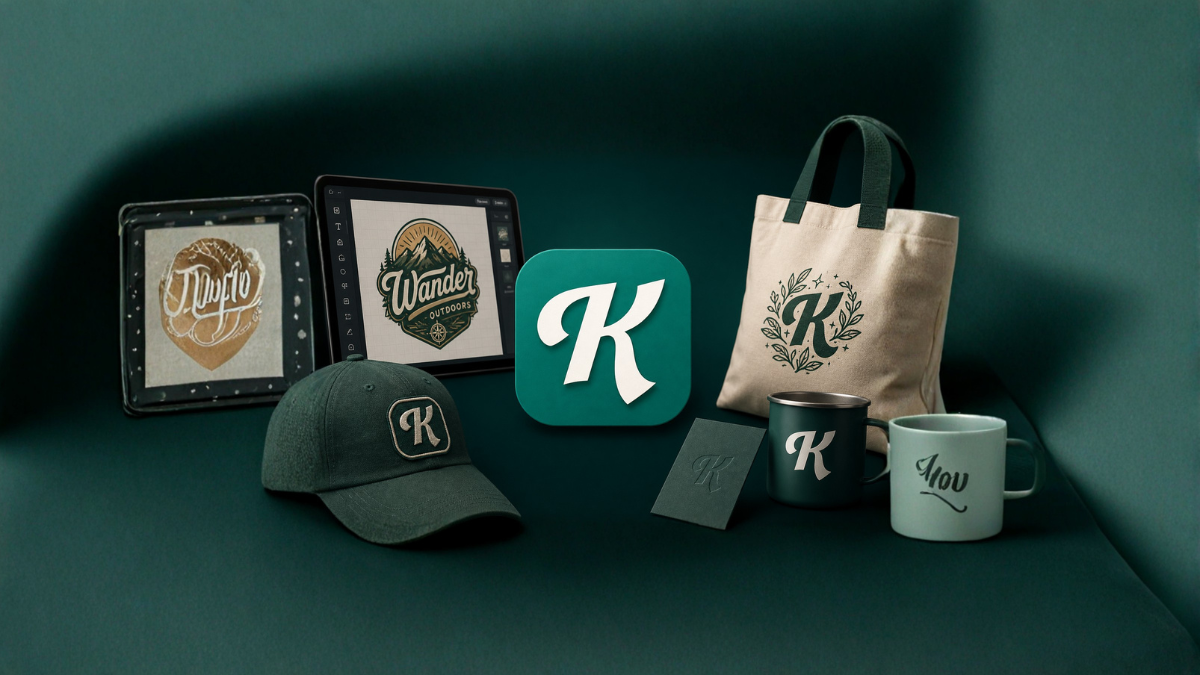
In today’s digital world, creating professional designs no longer requires years of experience or expensive software. With modern tools like Kittl, anyone can design logos, mockups, social media graphics, and more with ease. Whether you’re a beginner, entrepreneur, or content creator, Kittl offers a simple yet powerful platform to bring your creative ideas to life.
This detailed tutorial will guide you through everything you need to know about using Kittl—from basics to advanced features—so you can create stunning visuals without any hassle.
What is Kittl?
Kittl is an online graphic design tool that allows users to create professional-quality designs using ready-made templates, fonts, illustrations, and AI-powered tools. It is especially popular for logo design, merchandise mockups, posters, and branding materials.
Unlike complex software, Kittl focuses on simplicity while still offering advanced design capabilities such as text effects, vector editing, and AI-generated visuals.
Why Choose Kittl for Design?
Here are some key reasons why Kittl is becoming a favorite among designers:
1. Beginner-Friendly Interface
Kittl’s clean and intuitive interface makes it easy for anyone to start designing instantly—even without prior experience.
2. Ready-to-Use Templates
It offers thousands of templates for logos, posters, t-shirts, and social media posts.
3. Advanced Typography Tools
Kittl provides powerful text editing features that are often missing in other beginner tools.
4. Mockup Generator
You can instantly create product mockups like t-shirts, mugs, and posters.
5. AI Design Features
Kittl includes AI tools to generate designs, images, and text effects quickly.
Getting Started with Kittl
Step 1: Create an Account
Visit the Kittl website and sign up using your email or Google account.
Step 2: Choose a Design Type
Once logged in, you can choose from different design categories such as:
- Logo
- Poster
- T-shirt
- Social Media
- Mockups
Step 3: Select a Template or Start from Scratch
You can either:
- Use a pre-made template
- Or create your own design from a blank canvas
How to Create Logos in Kittl
Logo design is one of the most popular uses of Kittl. Here’s how to create one:
1. Pick a Logo Template
Browse through the logo section and select a design that matches your brand style.
2. Customize Text
Edit the text by:
- Changing font style
- Adjusting size and spacing
- Applying effects like shadows, outlines, or curves
3. Add Icons & Graphics
Use Kittl’s built-in library to add icons and shapes that represent your brand.
4. Adjust Colors
Change colors to match your brand identity using the color palette tool.
5. Export Your Logo
Download your logo in high resolution (PNG, SVG, or PDF).
Creating Mockups in Kittl
Mockups help you visualize how your design will look in real life.
Steps to Create Mockups:
- Go to the mockup section
- Choose a product (t-shirt, mug, poster, etc.)
- Upload or select your design
- Adjust placement and size
- Download the final mockup image
Mockups are especially useful for:
- E-commerce listings
- Branding presentations
- Social media marketing
Designing Social Media Graphics
Kittl makes it easy to design eye-catching social media posts.
Tips for Better Social Media Designs:
- Use bold fonts for readability
- Stick to 2–3 colors
- Add high-quality images
- Maintain consistent branding
You can create designs for:
- Instagram posts
- Facebook ads
- YouTube thumbnails
- Pinterest graphics
Using Kittl’s AI Features
Kittl offers AI tools that make design faster and smarter.
Key AI Features:
1. AI Image Generator
Create unique images using text prompts.
2. AI Text Effects
Apply creative typography styles instantly.
3. Background Removal
Remove backgrounds from images with one click.
4. Design Suggestions
Get automatic layout and design recommendations.
Advanced Design Features in Kittl
Even though Kittl is beginner-friendly, it includes advanced features:
1. Vector Editing
Edit shapes and graphics with precision.
2. Layer Control
Organize and manage design elements easily.
3. Text Warping
Curve and distort text creatively.
4. Shadow & Texture Effects
Add depth and realism to your designs.
Tips to Create Professional Designs
To make your designs stand out, follow these tips:
- Keep designs simple and clean
- Use high-contrast colors
- Choose readable fonts
- Align elements properly
- Maintain consistency across designs
Kittl Free vs Paid Plan
Free Plan:
- Limited templates
- Basic features
- Watermarked downloads
Paid Plan:
- Access to premium templates
- High-resolution downloads
- Advanced tools and assets
If you’re serious about design or business branding, upgrading to the paid plan is worth considering.
Use Cases of Kittl
Kittl can be used for multiple purposes:
- Logo design
- T-shirt and merchandise design
- Branding materials
- Social media marketing
- Print designs (posters, flyers)
- Digital products
Pros and Cons of Kittl
Pros:
- Easy to use
- Powerful typography tools
- Great templates
- AI-powered features
Cons:
- Limited features in free plan
- Requires internet connection
- Not as advanced as professional tools like Illustrator
Conclusion
Kittl is a powerful yet simple design tool that bridges the gap between beginners and professional designers. Whether you want to create logos, mockups, or social media graphics, Kittl provides everything you need in one place.
With its intuitive interface, AI tools, and extensive design library, Kittl makes graphic design accessible to everyone. If you’re looking for an easy way to create high-quality designs without technical skills, Kittl is definitely worth trying.
FAQs (12 Questions)
1. What is Kittl used for?
Kittl is used for creating logos, mockups, social media designs, and branding materials.
2. Is Kittl free to use?
Yes, Kittl offers a free plan with limited features.
3. Can beginners use Kittl?
Yes, Kittl is designed for beginners and is very easy to use.
4. Does Kittl support logo design?
Yes, Kittl is widely used for creating professional logos.
5. Can I create mockups in Kittl?
Yes, Kittl has built-in mockup tools for products like t-shirts and mugs.
6. Is Kittl better than Canva?
Kittl offers better typography tools, while Canva has more integrations and templates.
7. Can I download designs in high quality?
Yes, high-quality downloads are available in the paid plan.
8. Does Kittl have AI features?
Yes, Kittl includes AI tools for images, text effects, and design suggestions.
9. Can I use Kittl for business branding?
Yes, it is suitable for branding, marketing, and business use.
10. Does Kittl work on mobile?
Kittl works best on desktop, but it may be accessible via mobile browsers.
11. Can I sell designs made with Kittl?
Yes, you can sell designs depending on licensing terms.
12. Is Kittl good for print designs?
Yes, it supports high-resolution exports suitable for printing.