

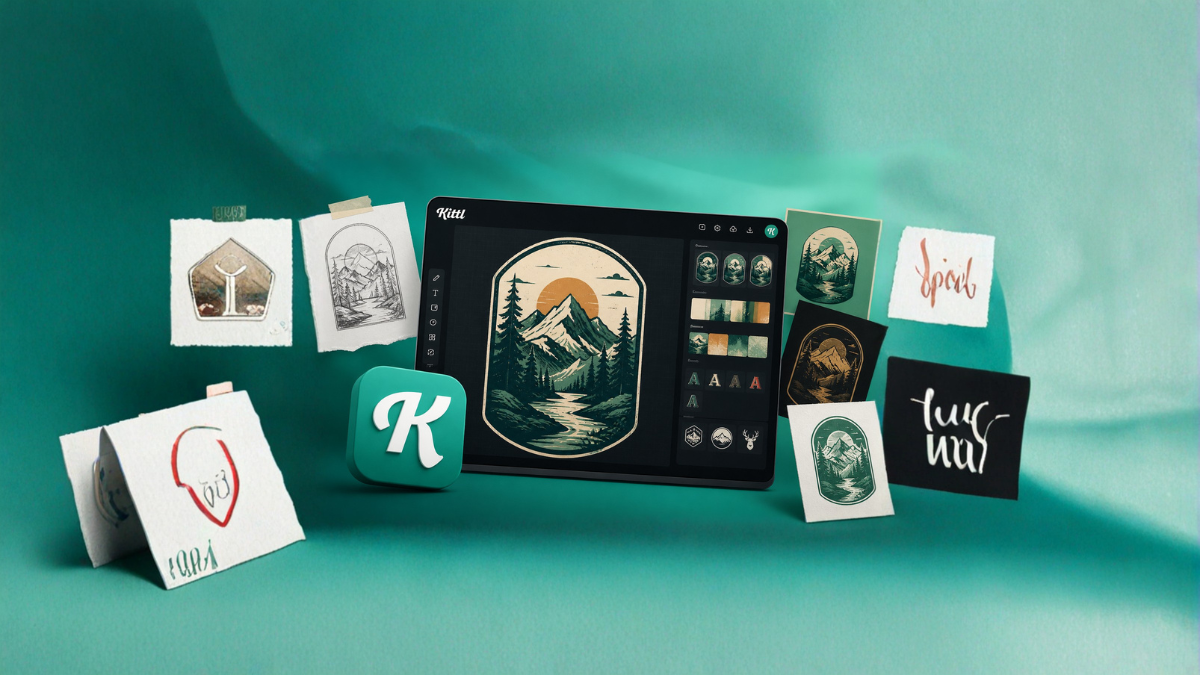
In today’s fast-paced digital world, turning an idea into a visually appealing design can feel overwhelming—especially if you’re not a professional designer. Whether you’re creating social media graphics, branding materials, posters, or print-on-demand merchandise, the gap between imagination and execution can be challenging. This is where Kittl steps in as a powerful, user-friendly design platform that simplifies the entire creative process.
In this detailed guide, we’ll explore how Kittl transforms your ideas into stunning designs effortlessly, even if you have zero design experience.
What is Kittl?
Kittl is an intuitive graphic design platform that combines powerful tools with simplicity. It allows users to create professional-quality designs using pre-built templates, smart editing tools, and advanced typography features—all without needing complex software skills.
Unlike traditional design tools that require steep learning curves, Kittl focuses on accessibility, speed, and creativity.
Why Kittl Stands Out
There are many design tools available, but Kittl stands out for several reasons:
1. Beginner-Friendly Interface
Kittl’s interface is clean, intuitive, and easy to navigate. Even first-time users can quickly understand how to start designing.
2. Ready-to-Use Templates
Instead of starting from scratch, Kittl offers a vast collection of templates for:
- T-shirt designs
- Posters
- Logos
- Social media posts
- Stickers
These templates save time and provide creative inspiration.
3. Advanced Typography Tools
Typography is often the hardest part of design, but Kittl simplifies it with:
- Text effects
- Curve text options
- Shadow and outline features
- Vintage and modern font styles
4. Drag-and-Drop Functionality
You can simply drag elements, adjust sizes, change colors, and rearrange layouts without any technical knowledge.
5. High-Quality Assets
Kittl includes built-in:
- Illustrations
- Icons
- Textures
- Patterns
This eliminates the need to search for external resources.
From Idea to Design: Step-by-Step Process
Let’s break down how Kittl helps you move from an idea to a finished design.
Step 1: Start with an Idea
Every design begins with an idea. This could be:
- A slogan for a T-shirt
- A promotional poster
- A brand logo
- A social media campaign
Kittl allows you to bring even the simplest idea to life.
Step 2: Choose a Template or Blank Canvas
Once you log in, you can either:
- Select a pre-made template
- Start with a blank canvas
Templates are ideal for beginners, while blank canvases give full creative freedom.
Step 3: Customize Your Design
This is where creativity comes into play.
You can:
- Change fonts and colors
- Add shapes and icons
- Insert images or illustrations
- Adjust layouts
Kittl makes customization fast and smooth.
Step 4: Use Typography Tools
Typography is one of Kittl’s strongest features.
You can:
- Apply curved text
- Add shadows and outlines
- Use vintage-style text effects
- Experiment with font combinations
This helps your design look professional without extra effort.
Step 5: Add Visual Elements
Enhance your design with:
- Graphics
- Textures
- Backgrounds
Kittl’s built-in library makes it easy to find the perfect elements.
Step 6: Finalize and Export
Once your design is complete:
- Preview your work
- Make final adjustments
- Export in high resolution
You can download your design for:
- Social media
- Merchandise
Key Features That Simplify Design
Smart Text Editing
Kittl allows you to edit text like a pro with minimal effort.
One-Click Effects
Apply shadows, outlines, and textures instantly.
Layer Management
Organize elements easily without confusion.
Real-Time Preview
See changes instantly as you design.
Who Should Use Kittl?
Kittl is perfect for:
1. Beginners
No design experience required.
2. Entrepreneurs
Create branding materials quickly.
3. Print-on-Demand Sellers
Design T-shirts, mugs, and merchandise.
4. Social Media Managers
Create eye-catching posts and ads.
5. Freelancers
Deliver professional designs faster.
Benefits of Using Kittl
Saves Time
Templates and ready-made assets speed up the design process.
Cost-Effective
No need to hire expensive designers for simple projects.
Easy Learning Curve
You can start designing within minutes.
Professional Results
Even beginners can create high-quality designs.
Kittl vs Traditional Design Tools
| Feature | Kittl | Traditional Tools |
|---|---|---|
| Ease of Use | Very Easy | Complex |
| Learning Curve | Low | High |
| Templates | Extensive | Limited |
| Typography Tools | Advanced | Requires expertise |
| Speed | Fast | Slower |
Tips to Get the Best Results with Kittl
- Start with a clear idea
- Use templates as inspiration
- Keep designs simple
- Experiment with typography
- Use contrast for better visibility
- Avoid overcrowding elements
- Preview before exporting
Common Mistakes to Avoid
- Using too many fonts
- Overloading with graphics
- Ignoring spacing and alignment
- Choosing poor color combinations
Kittl helps reduce these mistakes with its built-in tools.
Real-Life Use Cases
Branding
Create logos and brand kits.
Merchandise
Design T-shirts and print products.
Marketing
Make posters, banners, and ads.
Content Creation
Design social media posts and thumbnails.
Future of Design with Tools Like Kittl
Design tools are becoming more accessible and powerful. Platforms like Kittl are changing the industry by:
- Making design available to everyone
- Reducing dependency on complex software
- Increasing creativity among non-designers
This shift allows more people to bring their ideas to life without barriers.
Conclusion
Turning an idea into a polished design no longer requires years of experience or expensive software. Kittl bridges the gap between creativity and execution by offering a simple yet powerful platform.
Whether you’re a beginner or a professional, Kittl helps you design faster, smarter, and more efficiently. From templates to typography and export options, everything is built to make the design process smooth and enjoyable.
If you’ve ever struggled to turn your ideas into visuals, Kittl might be the perfect solution for you.
FAQs
1. What is Kittl used for?
Kittl is used for creating graphic designs like logos, posters, social media posts, and merchandise.
2. Is Kittl free to use?
Kittl offers both free and premium plans with additional features.
3. Do I need design experience to use Kittl?
No, Kittl is beginner-friendly and easy to use.
4. Can I create T-shirt designs with Kittl?
Yes, Kittl is widely used for print-on-demand and T-shirt designs.
5. Does Kittl provide templates?
Yes, it offers a wide range of ready-made templates.
6. Can I export designs in high quality?
Yes, Kittl allows high-resolution exports suitable for print and digital use.
7. Is Kittl better than Photoshop?
Kittl is easier for beginners, while Photoshop is more advanced and complex.
8. Can I use Kittl for social media content?
Yes, it’s perfect for creating social media graphics.
9. Does Kittl have fonts and icons?
Yes, it includes a large library of fonts, icons, and design elements.
10. Can I use Kittl for business branding?
Yes, it’s great for logos and branding materials.
11. Is Kittl cloud-based?
Yes, you can access it online without installing software.
12. Can I collaborate with others on Kittl?
Some plans support collaboration features.