

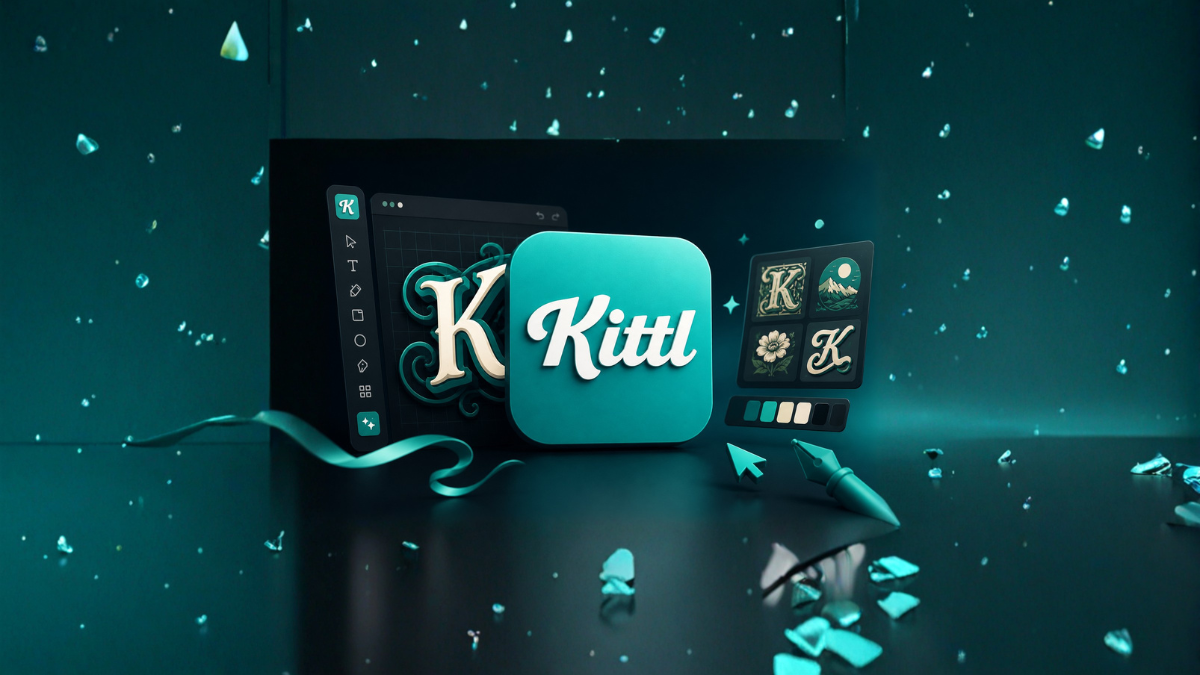
Design tools have evolved rapidly in the last few years, and 2026 is shaping up to be the most exciting time for creators, marketers, and businesses. Among the many AI-powered platforms available today, Kittl has emerged as a strong contender for the title of the best AI tool for designers. Whether you’re a beginner or a professional, Kittl promises to simplify design while delivering high-quality results.
In this detailed review, we’ll explore Kittl’s features, usability, pricing, pros and cons, and whether it truly deserves the top spot in 2026.
What is Kittl?
Kittl is an AI-powered graphic design platform that allows users to create stunning visuals, typography, logos, and illustrations with minimal effort. It combines traditional design tools with advanced artificial intelligence, making it accessible for both beginners and professionals.
Unlike complex software such as Adobe Photoshop or Adobe Illustrator, Kittl focuses on ease of use without compromising creative flexibility.
Key Features of Kittl in 2026
1. AI-Powered Design Generation
Kittl’s biggest strength lies in its AI capabilities. Users can generate complete designs by simply entering prompts. Whether it’s a logo, poster, or social media graphic, the AI suggests layouts, colors, and typography instantly.
This feature saves hours of manual work and is especially useful for freelancers and small businesses.
2. Advanced Typography Tools
Typography is where Kittl truly shines. It offers:
- Pre-designed text styles
- Curved and warped text effects
- 3D-style lettering
- Shadow and outline customization
Unlike other tools, Kittl makes complex typography easy even for beginners.
3. Drag-and-Drop Interface
The platform features a clean and intuitive interface. You can:
- Add elements with drag-and-drop
- Customize colors instantly
- Resize designs without losing quality
This makes it beginner-friendly while still powerful for professionals.
4. Ready-Made Templates
Kittl provides thousands of templates for:
- Social media posts
- T-shirt designs
- Posters and flyers
- Branding materials
These templates are highly customizable and save time for users who need quick results.
5. AI Image Generator
In 2026, Kittl includes a powerful AI image generator that creates unique visuals based on text prompts. This feature competes with tools like Midjourney and DALL·E.
6. Vector Editing Capabilities
Kittl allows users to edit vector graphics easily. This includes:
- Shape editing
- Path manipulation
- Layer management
While it may not fully replace professional tools, it’s more than enough for most design needs.
7. Collaboration Tools
Teams can collaborate in real-time, making Kittl suitable for agencies and remote teams.
User Experience and Interface
Kittl’s interface is one of its strongest aspects. It is designed to reduce complexity while maintaining functionality.
- Clean layout
- Fast performance
- Minimal learning curve
Even users with no design background can start creating within minutes.
Who Should Use Kittl?
Kittl is ideal for:
Beginners
No prior design experience is required. The AI handles most of the heavy lifting.
Freelancers
Quick design generation helps freelancers deliver projects faster.
Small Businesses
Affordable and easy-to-use tools make it perfect for branding and marketing.
Content Creators
Social media graphics, thumbnails, and promotional materials can be created quickly.
Kittl vs Other Design Tools
Kittl vs Canva
Canva is widely popular, but Kittl offers more advanced typography and AI design capabilities.
Kittl vs Adobe Tools
Adobe tools are powerful but complex. Kittl provides:
- Faster workflow
- Easier learning curve
- AI automation
However, professionals may still prefer Adobe for highly detailed projects.
Pricing in 2026
Kittl offers flexible pricing plans:
- Free Plan – Limited features
- Pro Plan – Advanced tools and assets
- Team Plan – Collaboration features
Compared to other tools, Kittl is affordable and offers great value for money.
Pros and Cons
Pros
- Easy to use
- Powerful AI features
- Excellent typography tools
- Fast design creation
- Affordable pricing
Cons
- Limited advanced editing compared to Adobe
- Requires internet connection
- Some features locked behind premium plans
Performance and Speed
Kittl performs smoothly even on average systems. Since it is cloud-based:
- No heavy installation required
- Works on most browsers
- Regular updates improve performance
Why Kittl is Trending in 2026
Several factors contribute to Kittl’s popularity:
- Rise of AI design tools
- Demand for faster content creation
- Growing freelance and creator economy
- Ease of use compared to traditional tools
Kittl perfectly fits the needs of modern creators.
Real Use Cases
1. Social Media Marketing
Create Instagram posts, YouTube thumbnails, and ads in minutes.
2. Print-on-Demand Business
Design T-shirts, mugs, and merchandise easily.
3. Branding
Create logos and brand kits quickly.
4. Blogging and Content Creation
Generate featured images and graphics for articles.
Is Kittl Worth It in 2026?
Yes, Kittl is absolutely worth it, especially if you:
- Want fast design results
- Prefer AI-assisted tools
- Don’t want to learn complex software
While it may not replace professional tools entirely, it covers 90% of design needs efficiently.
Final Verdict
Kittl stands out as one of the best AI design tools in 2026. Its combination of simplicity, power, and affordability makes it a top choice for designers of all levels.
If you’re looking for a modern design tool that saves time and delivers professional results, Kittl is definitely worth trying.
FAQs (Frequently Asked Questions)
1. What is Kittl used for?
Kittl is used for creating graphics, logos, typography designs, and social media content using AI.
2. Is Kittl free to use?
Yes, Kittl offers a free plan with limited features.
3. Can beginners use Kittl?
Yes, it is designed for beginners with an easy-to-use interface.
4. Is Kittl better than Canva?
Kittl offers better typography and AI features, but Canva has more templates.
5. Does Kittl require installation?
No, it is a cloud-based tool that works in your browser.
6. Can I use Kittl for commercial projects?
Yes, but you should check licensing based on your plan.
7. Does Kittl support team collaboration?
Yes, team plans allow real-time collaboration.
8. Is Kittl good for logo design?
Yes, it is excellent for creating logos quickly using AI.
9. Can Kittl replace Adobe tools?
It can replace them for basic and intermediate tasks but not advanced professional work.
10. Does Kittl work on mobile devices?
It works on browsers, but desktop offers the best experience.
11. Is Kittl safe to use?
Yes, it is a secure platform with regular updates.
12. What makes Kittl unique?
Its AI-powered design generation and advanced typography tools set it apart.